If you already know what should appear on a doctor’s letterhead — name, qualification, registration number, clinic details — “Doctor letterhead & prescription pad” covers that list. This page is about the other half: getting it into the actual file you need, a Word-ready header and footer or a finished PDF prescription pad, and getting it to print without surprises.
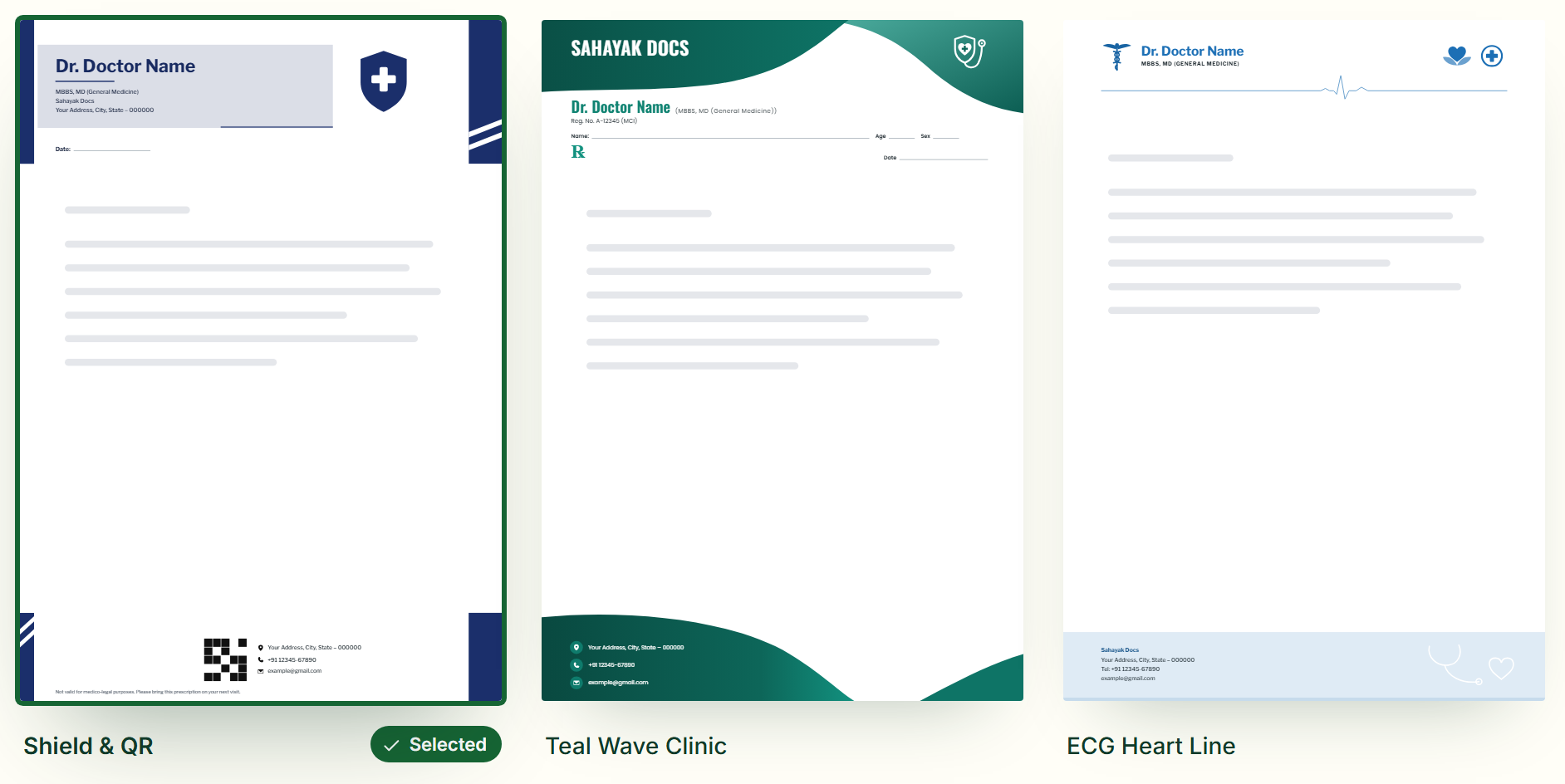
Word format
- Design your letterhead and fill in your own details.
- Download the header and footer separately, as transparent PNG images sized to a standard page.
- In Word, insert each one through Insert → Header (or Footer), drag it to span the full page width, and set “Wrap text” to “Behind text” so your prescription text sits on top of it, not beside it.
- Save the file as a Word Template (.dotx) so every new prescription already has the letterhead in place.
PDF format
For a ready-to-print prescription pad, download a PDF instead — A5 for quick prescriptions, A4 for referral letters and detailed advice, both from the same design. Choose edge-to-edge printing if your printer supports full bleed, or add the optional 5 mm safe margin if it doesn’t — most home and clinic printers need it. The layout stays fixed wherever the PDF is opened or printed, which matters for a document a patient keeps.
Printing a large batch of pads? Take the PDF to a local print shop instead of running it a few sheets at a time — ask for one proof copy first and check the registration number and phone number are sharp before approving the full run.
Signature and stamp
Most doctors in India sign and ink-stamp each prescription by hand. The prescription-pad designs leave a clear signature line and footer space below the doctor’s name for exactly this — there’s no printed stamp graphic (a real stamp carries your own registration number and can’t be faked), just the space it needs.
Download the header and footer at the default 3× resolution rather than shrinking them first — Word and Google Docs scale images down to fit the page, so starting from a sharper file keeps small text and the registration number legible once printed.
Why Sahayak Docs
- Free — every design and download, no sign-up, watermark optional
- Ready-made designs for your industry, editable down to every element
- PDF letter pads in A4, A5, A3, Letter and Legal, plus header & footer PNGs
- Works in the browser on computer, tablet and phone
Frequently asked questions
Does it include a doctor’s stamp?
No printed stamp — just a clear signature line with room below it, which is where your own ink stamp goes once you sign.
Is this suitable for an MBBS doctor in India?
Yes — whatever your specialisation, you can download the same design as Word-ready header and footer images or a finished A4/A5 PDF prescription pad, whichever file your clinic actually works with day to day.
Design your doctor letterheador read: Letterhead and prescription pad design for doctors and clinics