“Laboratory letterhead format” usually means two different things people are searching for: the layout a lab report heading should follow, and the file you actually want at the end — a Word document, a PDF, or something you can open in Excel or CorelDraw. This page covers the file formats; see “Pathology lab letterhead” for what to include in the design itself (NABL number, pathologist sign-off, services).
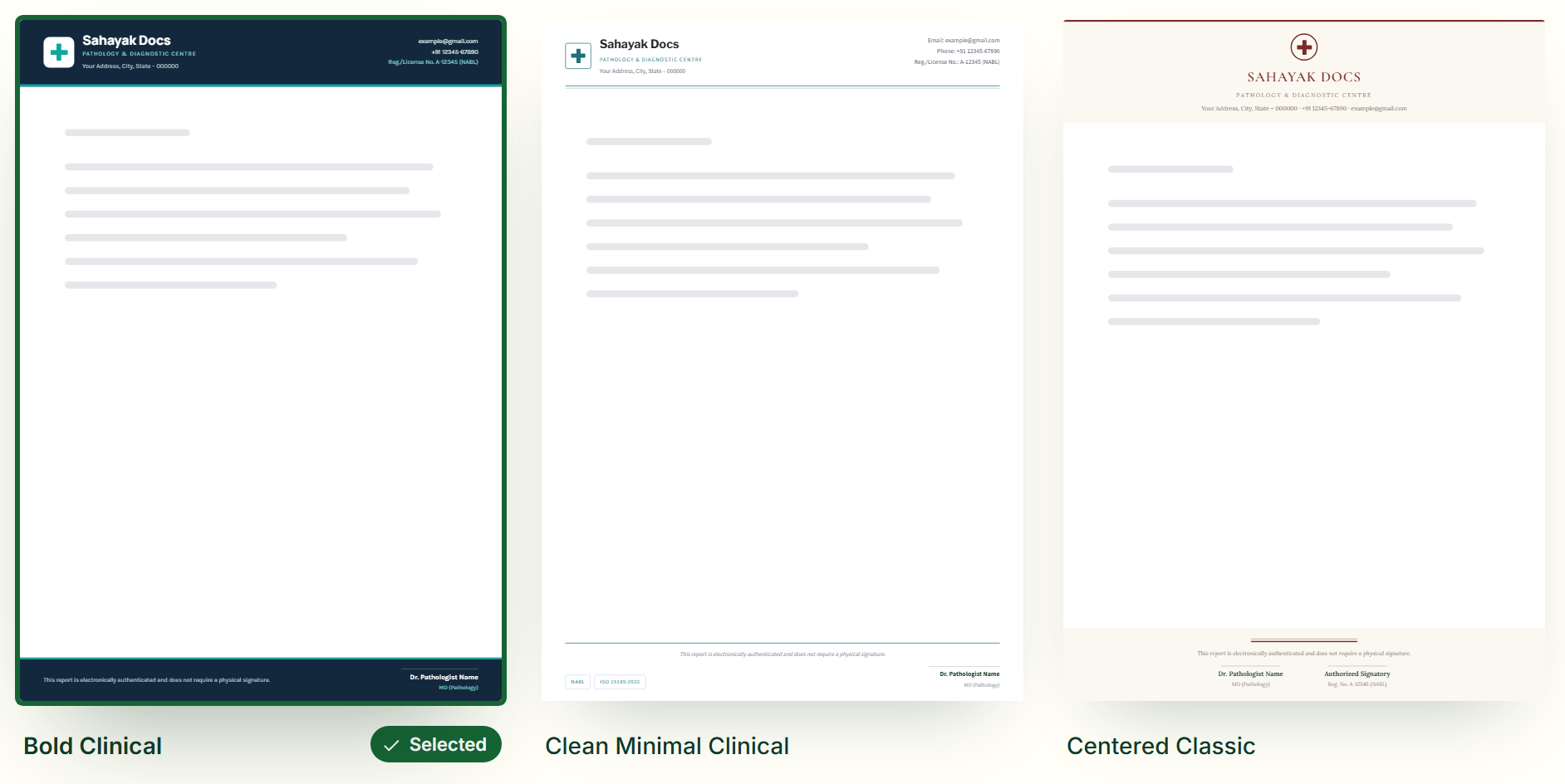
Word format — header and footer images
- Design your lab letterhead and fill in the lab name, logo, NABL/registration number and pathologist’s details.
- Download the header and footer separately, as transparent PNG images sized to fit a Word page.
- In Word, go to Insert → Header, place the header image, and set it to “Behind text” or “In front of text”; do the same for the footer.
- Save the file as a Word Template (.dotx) so every new report starts with the lab’s letterhead already in place, with the table or body area free for results.
PDF format — ready to print or attach
For a finished report or a printed letter pad, download a complete PDF instead — choose A4 (the standard for lab reports) or A5, with the header and footer exactly as designed. A PDF keeps the layout fixed everywhere, which matters for a document a patient or doctor will keep.
What about Excel or CDR format?
A spreadsheet (Excel) or a vector design file (CDR, which needs CorelDraw) can hold a letterhead image, but neither is actually built for one — Excel is for data and calculations, and a CDR file needs design software most people don’t have installed. A PDF opens anywhere with no software to buy, and the Word-ready header and footer images work in Excel too, if that’s where your report template lives: insert them the same way as in Word, through Insert → Header & Footer.
Writing the lab’s name and address in Hindi? Type it directly into the form — Devanagari text appears on the letterhead exactly as you type it, no separate Hindi mode needed.
Why Sahayak Docs
- Free — every design and download, no sign-up, watermark optional
- Ready-made designs for your industry, editable down to every element
- PDF letter pads in A4, A5, A3, Letter and Legal, plus header & footer PNGs
- Works in the browser on computer, tablet and phone
Frequently asked questions
Do you provide the letterhead in Excel or CDR format?
Not directly — those formats aren’t built for a letterhead heading. You get a PDF and Word-ready header/footer images instead, which open everywhere without needing Excel or CorelDraw installed, and can still be inserted into an Excel sheet’s header if that’s where you work.
Can I write my lab’s name and details in Hindi?
Yes — type them in Hindi directly into the form and they’ll appear on your letterhead exactly as typed.
Design your lab letterheador read: Designing a letterhead for pathology and diagnostic lab reports