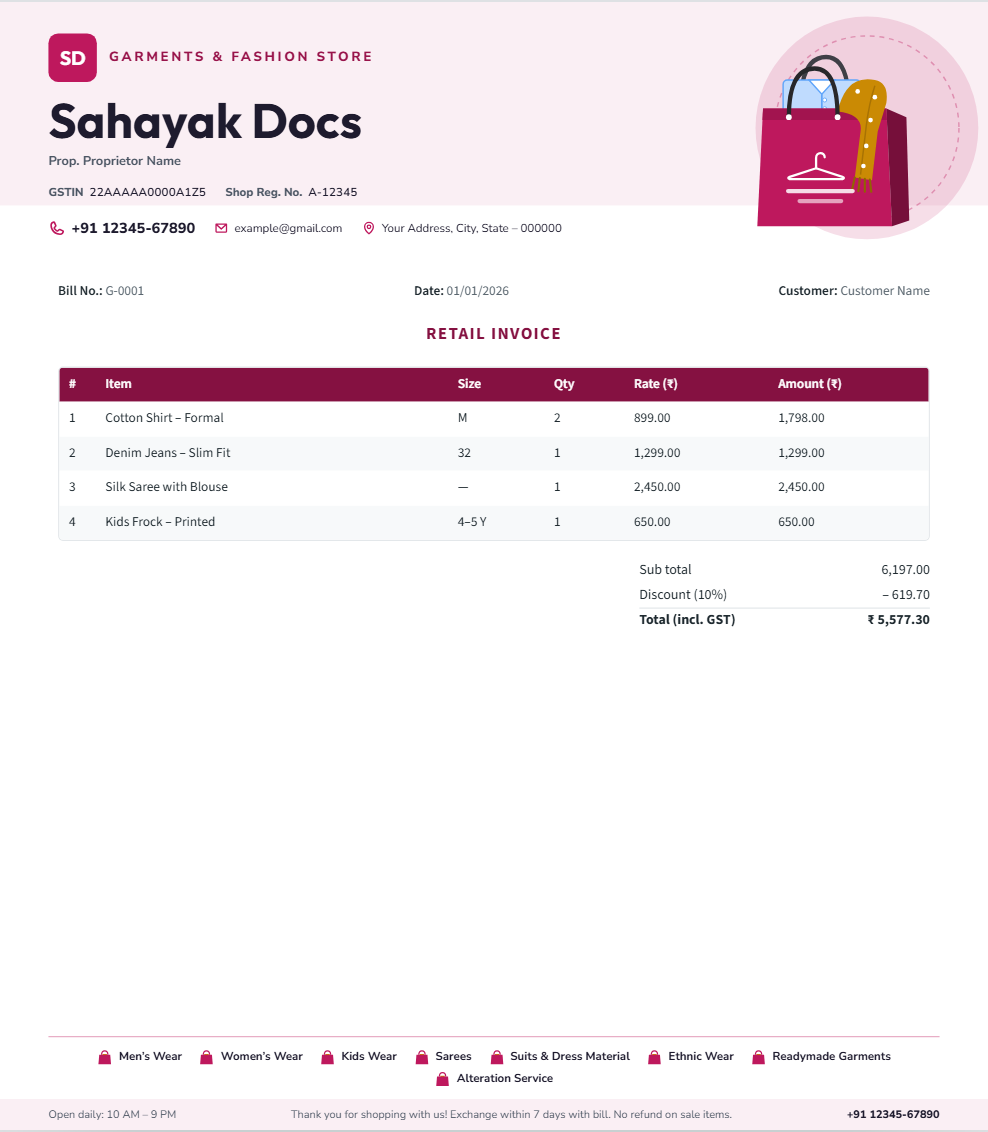
A great design can still look disappointing if it’s printed badly. These practical tips help your letterhead come out sharp, correctly sized and true to its colours.
Choose the right paper
- 80–90 gsm paper is standard for office letters and feels noticeably better than thin paper.
- 100 gsm or more gives a premium feel for important letters.
- Matte or uncoated paper is easier to write on with a pen.
Printer settings that matter
- Print from the PDF, not from a screenshot or image preview.
- Set the paper size to match the file — usually A4.
- Choose “Actual size” or 100% scale, not “Fit to page”.
- Select a high-quality print mode for logos and small text.
Edges and margins
Most home and office printers leave a thin white border. If your design has colour bands that touch the edge, add a small print margin before downloading, or use a print shop that can print edge to edge (full bleed).
Printing in bulk
For large quantities, a local print shop is usually cheaper per page and gives more consistent colour. Take the PDF on a pen drive or email it, ask for a single proof copy first, and check small details like phone numbers and registration numbers before approving the full run.
Sahayak Docs’ letter pad download creates print-ready PDFs with an optional 5 mm safe margin — ideal for office printers.