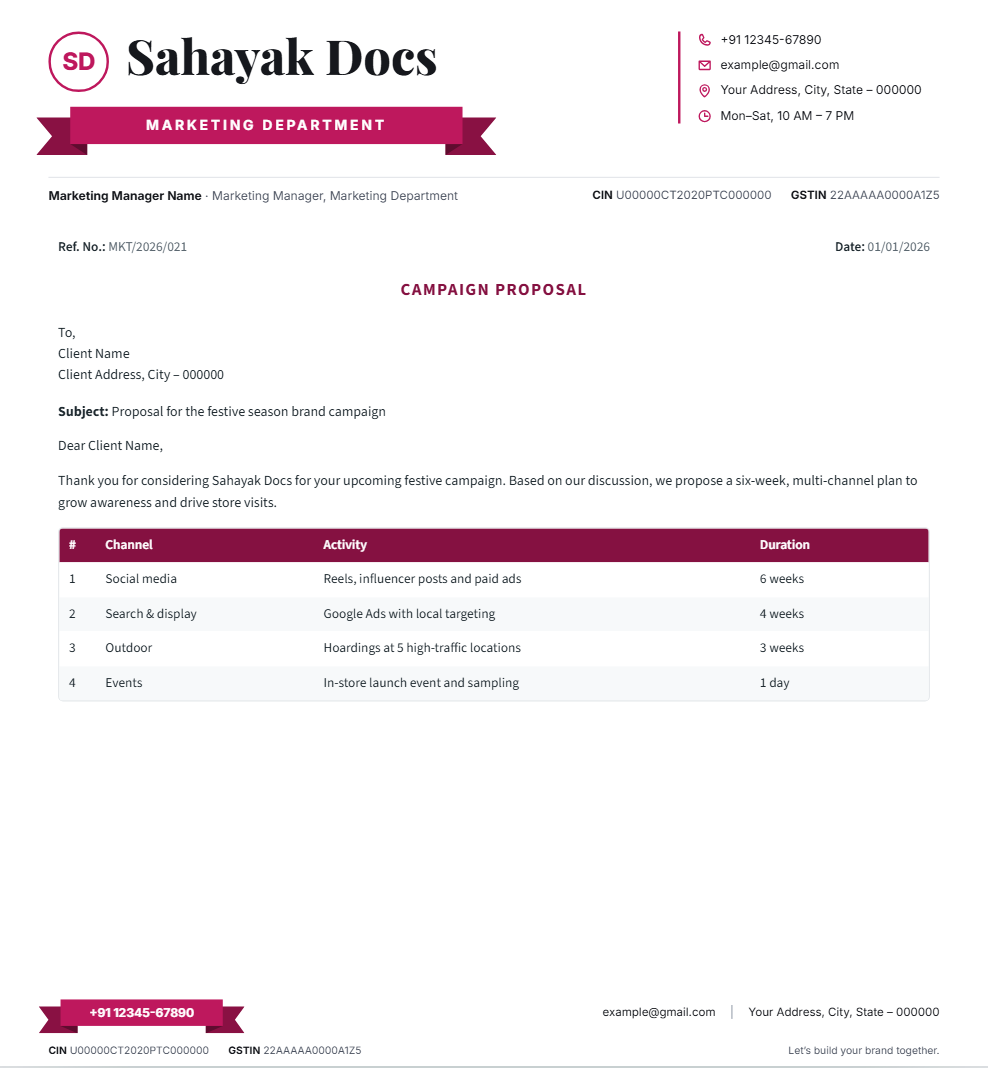
Many businesses print invoices and quotations on their letterhead. That works well — as long as the letterhead leaves room for the details a tax invoice needs, and the invoice itself contains the required information.
What a GST tax invoice typically includes
Under the GST rules, a tax invoice is generally expected to show details such as:
- Your name, address and GSTIN
- A unique, consecutive invoice number and the date of issue
- The customer’s name and address, and their GSTIN if they are registered
- HSN code for goods or SAC code for services
- Description, quantity, unit and value of the goods or services
- Taxable value, GST rate and tax amount — CGST and SGST, or IGST
- Place of supply, especially for inter-state supplies
- Signature or digital signature of the supplier or an authorised person
Requirements can change and vary by situation, so confirm the exact format for your business with your CA or tax consultant.
Designing the letterhead to fit
- Keep the header compact so the item table has room.
- Show your GSTIN clearly in the header or footer — it is one of the first things customers check.
- Leave the footer for bank details, terms and the signature line.
Quotations and estimates
A quotation or estimate is not a tax invoice, but it looks more professional on your letterhead. Label it clearly as “Quotation” or “Estimate” so it can’t be confused with an invoice, and add a validity date.
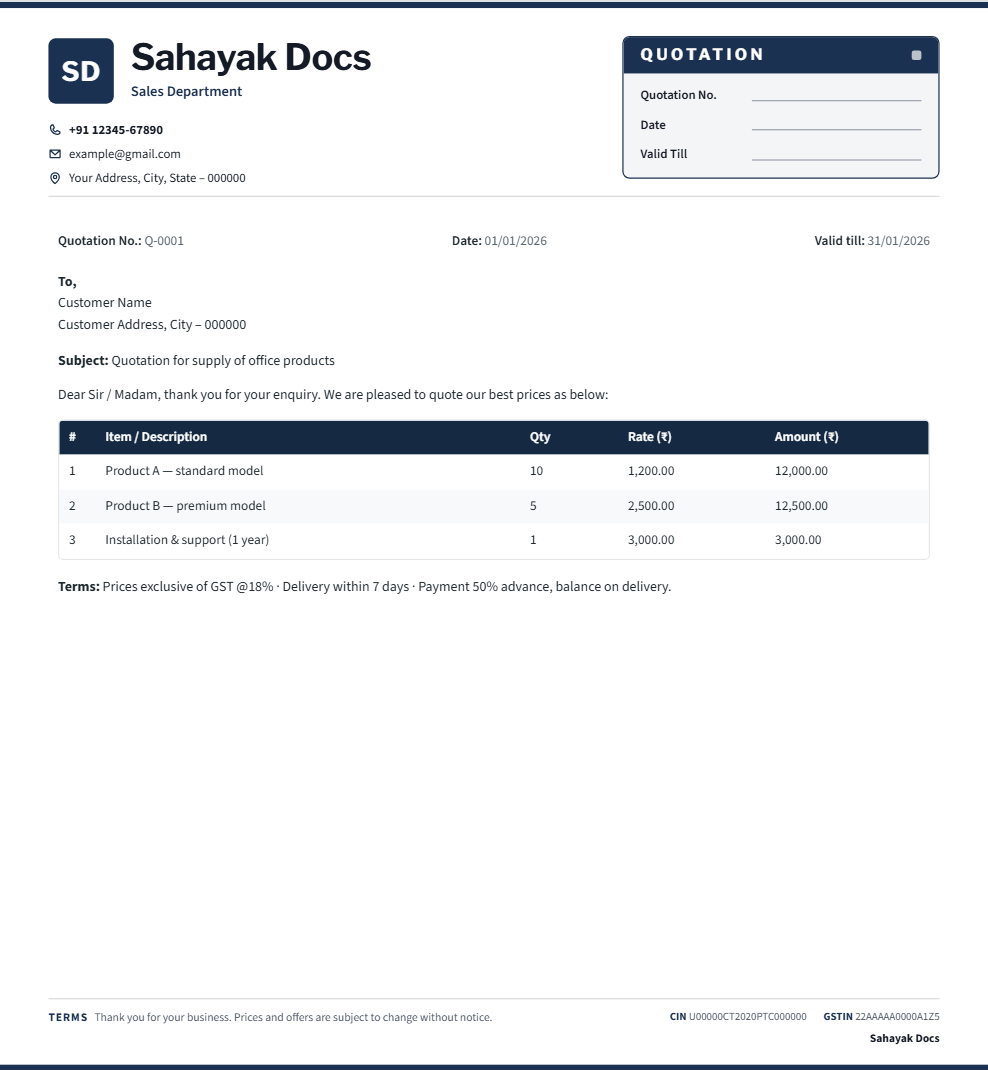
The “By letterhead type” section in Sahayak Docs includes a Document starter with a type badge (for example QUOTATION) and reference/date lines.
Frequently asked questions
Can I print a full GST tax invoice directly from Sahayak Docs?
Sahayak Docs creates the letterhead — the header, footer and an optional item table — with your GSTIN placed clearly. For the tax calculation itself (CGST/SGST/IGST, HSN/SAC codes), use your billing or accounting software and print it on this letterhead, or fill in the numbers by hand on a letter pad.
Where should the GSTIN go — header or footer?
Either works, as long as it’s legible. Most businesses put it in the footer alongside CIN and bank details, keeping the header focused on the name and logo — see the example above.
What’s the difference between a quotation and an estimate?
In practice they’re used interchangeably for a non-binding price indication given before work starts. Label whichever one you use clearly on the document, with a validity date, so it’s never mistaken for a tax invoice.